Live AI Cinematic Storytelling Workshop
Turn one idea into an AI series people actually want to watch.
Learn how to create cinematic AI videos with consistent characters, dialogue, storylines, products, scenes, and cliffhangers — using the same system behind my own AI series.
You don't need to be a filmmaker.
You don't need to master complicated prompting.
And you definitely don't need to keep generating random clips hoping something works.
I'm showing you the complete process from idea to finished scene — with LC AI Team Studio helping you every step of the way.
Live Virtual Workshop • Beginner Friendly • Step-by-Step Training
Date
October 22
Time
6:00 PM PST
Length
1.5
Price
$47
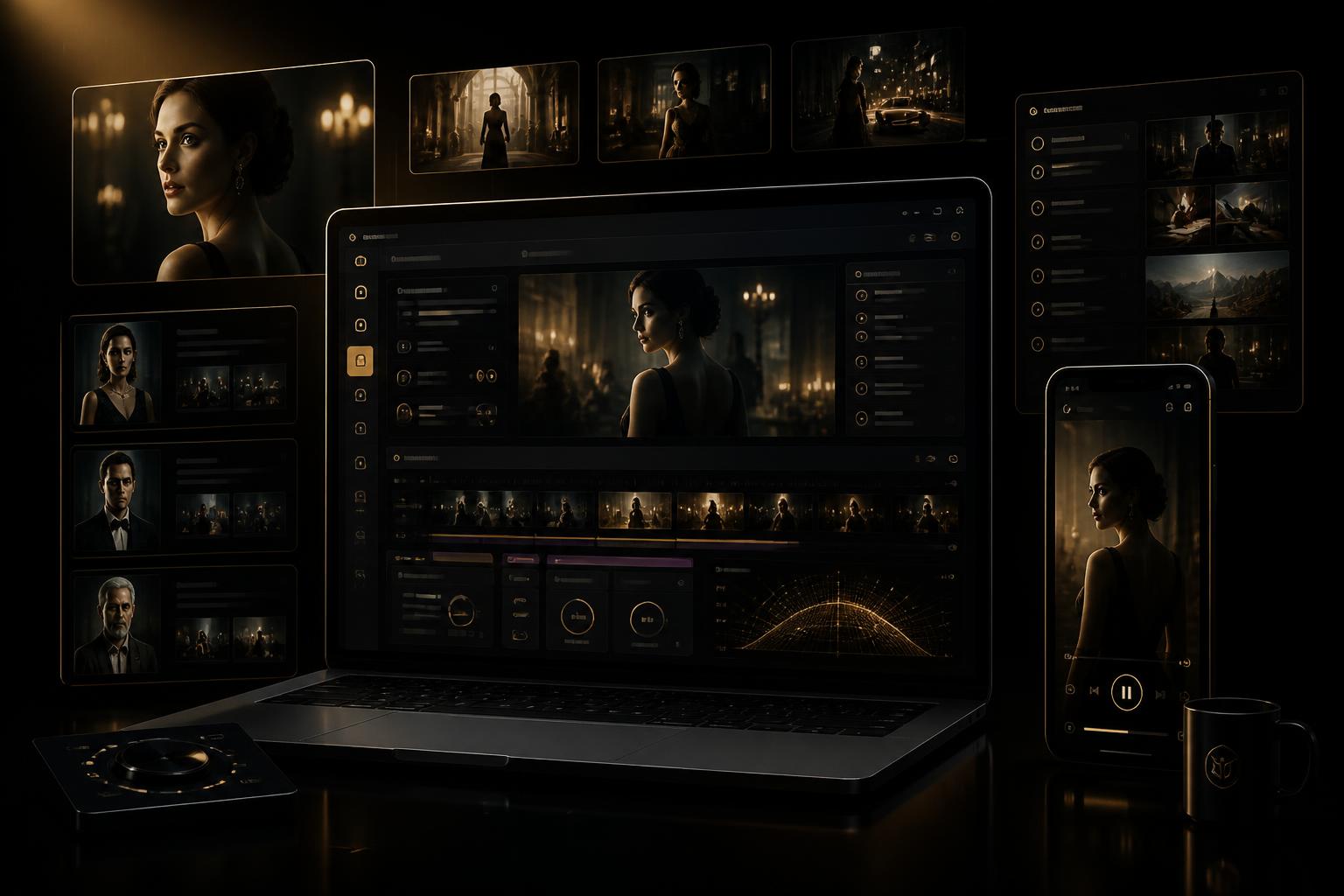
Visual placeholder — swap in your app screenshots anytime
The Problem
AI can make a video.
That doesn't mean it can tell a story.
Maybe you've already tried AI video.
The character changed halfway through.
The clothes changed.
The dialogue went to the wrong person.
An extra person appeared.
The AI completely ignored your ending.
Your scene looked beautiful but made absolutely no sense.
And every time something goes wrong, you're rewriting prompts from scratch.
The problem isn't that you can't create AI video.
You need a system.
Character keeps changing
Wardrobe won't stay consistent
Dialogue gets switched
Random objects or people appear
Scenes don't connect
Videos look good but have no storyline
This workshop teaches you how to control the story before you ever hit generate.
What You'll Learn
By the end of this class, you won't just have an AI video.
You'll know how to build a series.
- Turn a simple idea into a complete series concept
- Develop characters people can recognize from episode to episode
- Create character and wardrobe reference systems
- Break chapters into short, powerful scenes
- Write dialogue that feels natural instead of AI-generated
- Create suspense, tension, reveals, and cliffhangers
- Build production-ready AI video prompts
- Keep products naturally inside the storyline
- Fix continuity problems when AI goes rogue
- Stop scenes from running past the intended ending
- Troubleshoot prompts without rewriting the entire story
- Turn one storyline into multiple pieces of social content
The Method
The LC Cinematic Storytelling Method
The exact workflow I use to go from an idea in my head to a complete AI-generated scene.
Story
Define the concept, conflict, audience, and reason people should keep watching.
Character
Build recognizable characters with defined personalities, relationships, appearance, and roles.
Continuity
Lock faces, outfits, products, locations, props, and story details.
Scene
Break the story into short cinematic moments instead of forcing everything into one generation.
Prompt
Turn each scene into a structured production prompt with dialogue, performance, camera direction, and ending instructions.
Generate
Take the production prompt into the AI video generator.
Correct
Identify exactly what the AI got wrong and fix only that issue instead of destroying the entire scene.
Publish
Edit, package, caption, and release the story as episodic social content.
Story → Character → Continuity → Scene → Prompt → Generate → Correct → Publish
LC AI Team Studio
You're not building this alone.
LC AI Team Studio acts like your creative production team.
During the workshop, I'll show you how I use my Cinematic Storytelling Agent inside LC AI Team Studio to help:
- Develop the story
- Create characters
- Structure chapters
- Break long scenes into smaller scenes
- Strengthen dialogue
- Build cliffhangers
- Create continuity instructions
- Generate production-ready prompts
- Diagnose problems when a generation goes wrong
- Rewrite only what needs to be fixed
- Keep the overall story organized
Instead of staring at a blank prompt box trying to figure everything out yourself, you have an AI creative partner helping you build the production.
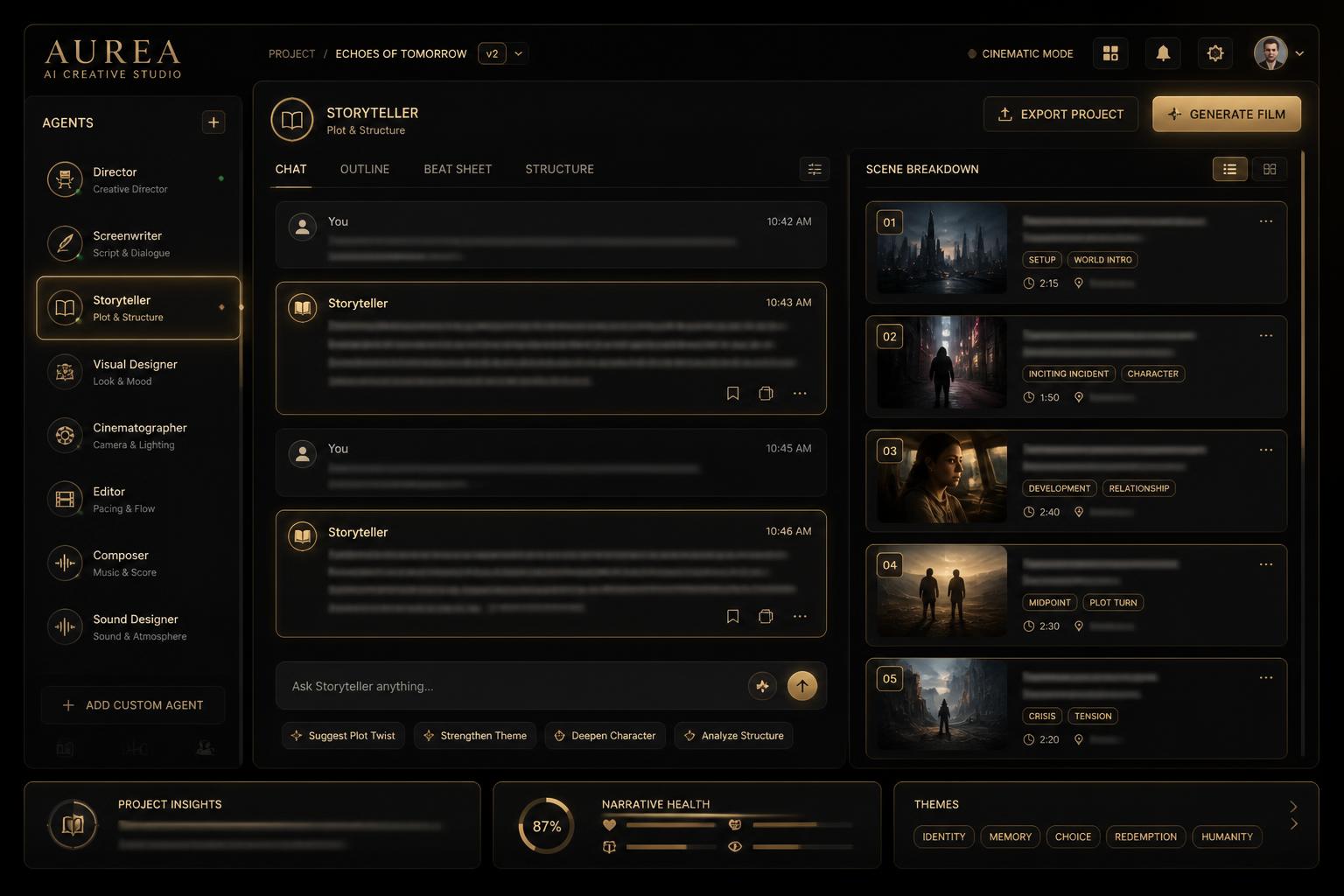
Highlighted
Cinematic Storytelling Agent
Placeholder mockup — upload real app screenshots later
Live Demonstration
Watch me build a scene from scratch.
I'm not just giving you slides and theory.
During the class, you'll watch me take an idea and move it through the actual production process.
You'll see what works, what doesn't work, what AI gets wrong, and exactly how I correct it.
Production Board
- 1Idea
- 2Story Concept
- 3Character References
- 4Chapter
- 5Scene Breakdown
- 6Production Prompt
- 7AI Generation
- 8Troubleshoot
- 9Final Scene
The Receipts
Real scenes. Real views.
These are actual episodes from my own AI series, “In the Closet” — created with the exact storytelling system and workflow I'm teaching in this workshop. Consistent characters, real dialogue, cliffhangers that keep people coming back for the next part.

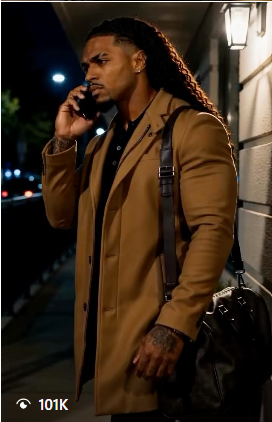
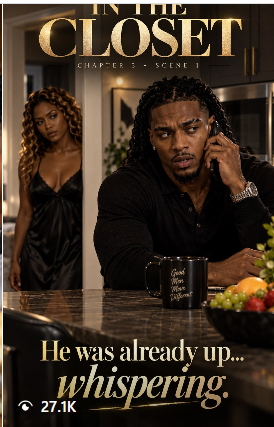

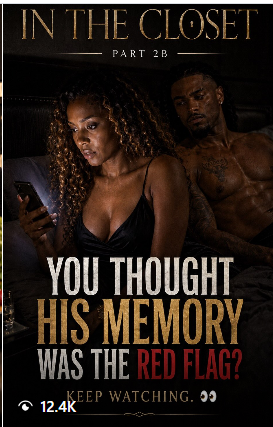
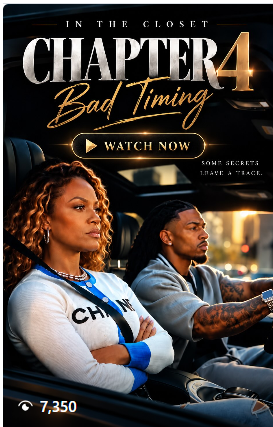
View counts shown exactly as posted — no actors, no film crew, no studio budget
Prompt Framework
The prompt isn't just a paragraph.
It's a production plan.
The LC Cinematic Prompt Formula
- 01Scene Title
- 02Video Format
- 03Previous Scene Continuity
- 04Character Reference Lock
- 05Wardrobe Reference Lock
- 06Product / Prop Continuity
- 07Location
- 08Scene Action
- 09Dialogue
- 10Performance Direction
- 11Camera Direction
- 12Exact Ending
One of the biggest mistakes creators make is telling AI how to start a scene without telling it exactly where to stop.
Troubleshooting
When AI starts acting crazy…
Problem
The character changes clothes.
Fix
Lock a single wardrobe reference per scene.
Problem
Characters switch dialogue.
Fix
Assign every line to a named character.
Problem
The prompt gets flagged.
Fix
Rephrase production language, don't remove the story.
The skill is directing it, not rewriting everything.
Who It's For
This workshop is for you if…
You Are:
- A business owner
- Content creator
- Coach
- Consultant
- Beauty entrepreneur
- Product-based business
- Service provider
- Personal brand
- Social media manager
- Creative entrepreneur
And You Want To:
- Create better AI videos
- Stand out from basic talking-head content
- Build episodic social content
- Create a branded mini-series
- Tell stronger stories
- Make products part of your content naturally
- Spend less time fighting with prompts
- Use AI without your content looking generic
No filmmaking background required. No advanced AI experience required.
What You Leave With
You're leaving with more than notes.
Your Series Concept
A clear idea you can continue developing after the workshop.
Character Framework
A system for defining and maintaining your recurring characters.
Scene Breakdown System
Know exactly when and why to divide a chapter into smaller generations.
Cinematic Prompt Formula
A repeatable structure for building production-ready prompts.
Continuity Checklist
A checklist for characters, wardrobe, products, props, location, and dialogue.
Troubleshooting Framework
Know how to diagnose what went wrong without starting over.
First Scene Plan
A production-ready foundation for creating your first cinematic scene.
Save Your Seat
Join the live workshop.
Get the full live class and everything you need to build your first AI series scene.
Class Only
$47
Get the full live workshop and everything you need to build your first AI series scene.
- Live training
- Live demonstration
- Cinematic storytelling framework
- Prompt framework
- Troubleshooting system
- Student implementation time
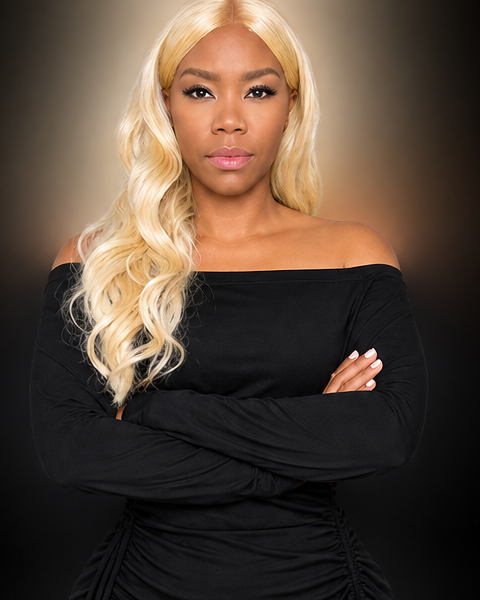
Latrice Whitney
Founder, LC AI Team Studio
Founder, LC Body Fragrances
The Founder
I didn't learn this from a textbook.
I learned it by creating.
Generating.
Regenerating.
Watching AI change clothes, switch characters, add random objects, ignore dialogue, ruin continuity, and completely misunderstand scenes.
Every problem forced me to build a better system.
Now I've taken that process and built it into LC AI Team Studio so entrepreneurs don't have to figure all of this out alone.
This class is me showing you the actual process — not the polished version after everything works.
Workshop Details
FROM IDEA TO AI SERIES
Live Virtual Workshop
- Date
- October 22
- Time
- 6:00 PM PST
- Location
- VIRTUAL
- Length
- 1.5
- Workshop
- $47
What's Included
- Live training
- Live demonstration
- Cinematic storytelling framework
- Prompt framework
- Troubleshooting system
- Student implementation time
FAQ
Questions, answered.
No. The workshop is designed so beginners can understand the process while still giving experienced AI creators a much stronger storytelling and continuity system.
No. You can learn the methodology without being an existing LC AI Team Studio member. However, the workshop will demonstrate how LC AI Team Studio and the Cinematic Storytelling Agent make the process faster and easier.
The class focuses on a repeatable storytelling and production system rather than one specific video platform. The workflow can be adapted as AI video tools evolve.
No. The storytelling framework can be used by product brands, coaches, consultants, service providers, personal brands, educators, creators, and other entrepreneurs.
Yes. The goal is for students to begin developing their own series concept and first scene using the framework taught during the workshop.
Yes. Character, wardrobe, product, location, and scene continuity are major parts of the training.
Your next post doesn't have to be another random video.
Build a story they come back to watch.
You already have ideas.
Now learn how to turn them into characters, scenes, dialogue, suspense, and cinematic content that keeps your audience waiting for the next chapter.
FROM IDEA TO AI SERIESLive Virtual Workshop